

You already know the most important building blocks for starting your application from our tutorial series. Are you still missing metrics and logs for your applications? After this tutorial, you can check off the latter.
Logging with Loki and Grafana in Kubernetes – an overview
To collect and manage your logs, Kubernetes also offers one of the most well-known, heavyweight solutions. These usually consist of Logstash or Fluentd for collecting, paired with Elasticsearch for storing and Kibana or Graylog for visualizing your logs. In addition to this classic combination, a new, more lightweight stack has been available for a few years in the form of Loki and Grafana! The basic architecture hardly differs from the familiar setups. Promtail collects the logs of all containers on each Kubernetes node and sends them to a central Loki instance. This aggregates all logs and writes them to a storage backend. Grafana is used for visualization, which retrieves the logs directly from the Loki instance.
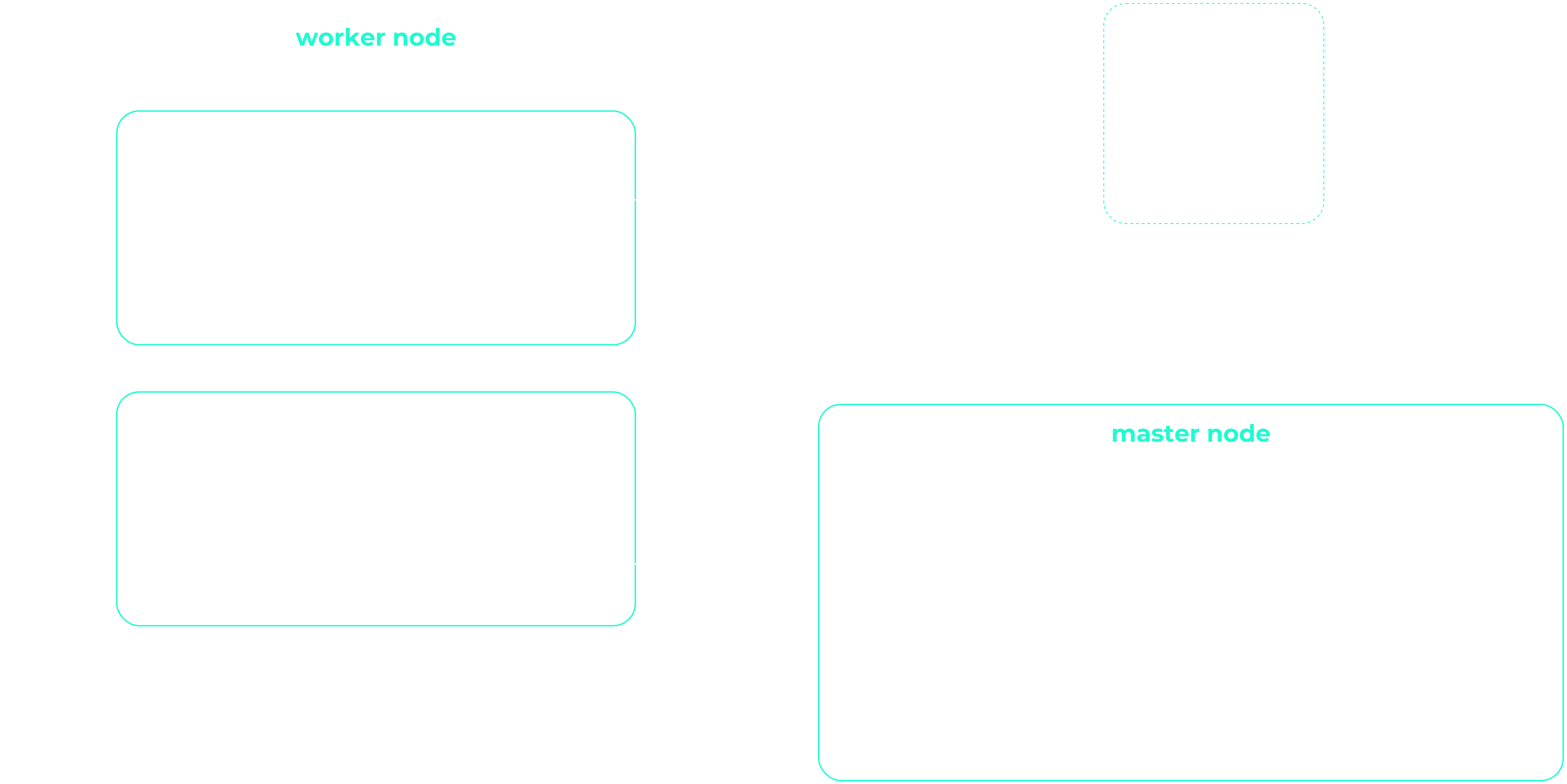
The biggest difference to the known stacks is probably the absence of Elasticsearch. This saves resources and effort, as there is no need to store and administer a triple replicated full-text index. And a lean and simple stack sounds very appealing when you are just starting to build your application. As the application landscape grows, individual Loki components are scaled up to spread the load over several shoulders.
No full text index? How does that work?
Of course, Loki does not dispense with an index for quick searches, but only metadata (similar to Prometheus) is indexed. This greatly reduces the effort required to operate the index. For your Kubernetes cluster, mainly labels are stored in the index and your logs are automatically organized using the same metadata as your applications in your Kubernetes cluster. Loki uses a time window and the labels to quickly and easily find the logs you are looking for. You can choose from various databases to save the index. In addition to the two cloud databases BigTable and DynamoDB, Loki can also store its index locally in Cassandra or BoltDB. The latter does not support replication and is primarily suitable for development environments. Loki offers with boltdb-shipper another database that is currently still under development. This is primarily intended to remove dependencies on a replicated database and regularly save snapshots of the index in chunk storage (see below).
A small example:
A pod produces two log streams with stdout and stderr. These log streams are broken down into so-called chunks and compressed as soon as a certain size has been reached or a time window has expired. A chunk therefore contains compressed logs of a stream and is limited to a maximum size and time unit. These compressed data records are then saved in the chunk storage.
Label vs. stream
A combination of exactly the same labels (including their values) defines a stream. If you change a label or its value, a new stream is created. For example, the logs from stdout of an nginx pod are in a stream with the labels: pod-template-hash=bcf574bc8, app=nginx and stream=stdout.
In the Loki index, these chunks are linked to the labels of the stream and a time window. When searching in the index, it is therefore only necessary to filter for labels and time windows. If one of these links matches the search criteria, the chunk is loaded from the storage and the logs it contains are filtered according to the search query.
Chunk Storage
The compressed and fragmented log streams are stored in the chunk storage. As with the index, you can also choose between different storage backends here. Due to the size of the chunks, an object store such as GCS, S3, Swift or our Ceph object store is recommended. Replication is automatically included and the chunks are also automatically removed from the storage based on an expiration date. In smaller projects or development environments, you can of course also start with a local file system.
Visualization with Grafana
Grafana is used for visualization. Preconfigured dashboards can be easily imported. LogQL is used as the query language. This in-house creation from Grafana Labs is very similar to PromQL from Prometheus and can be learned just as quickly. A query consists of two parts: First, you filter for the corresponding chunks using labels and the Log Stream Selector. With = you always make an exact comparison and =~ allows the use of regex. As usual, the selection is negated with ! Once you have restricted your search to certain chunks, you can extend it with a search expression. Here too, you can use various operators such as |= and |~ to further restrict the result. A few examples are probably the quickest way to show the possibilities:
Log Stream Selector:
{app = "nginx"}
{app != "nginx"}
{app =~ "ngin.*"}
{app !~ "nginx$"}
{app = "nginx", stream != "stdout"}Search Expression:
{app = "nginx"} |= "192.168.0.1"
{app = "nginx"} != "192.168.0.1"
{app = "nginx"} |~ "192.*"
{app = "nginx"} !~ "192$"Other options such as aggregations are explained in detail in the official LogQL documentation. After this brief introduction to the architecture and functionality of Grafana Loki, we will of course start with the installation. Much more information and options for Grafana Loki can of course be found in the official documentation.
Get it running!
Just want to try out Loki?
With the NWS Managed Kubernetes Cluster, you can do without the details! Start your Loki stack with one click and always have your Kubernetes cluster in full view!
As usual with Kubernetes, a running example is deployed faster than reading the explanation. With the help of Helm and a few variables, your lean logging stack is quickly installed. First, we initialize two Helm repositories. In addition to Grafana, we also add the official Helm stable charts repository. After two short helm repo add commands, we have access to the required Loki and Grafana charts.
Install helmet
brew install helm
apt install helm
choco install kubernetes-helmAre you missing the right sources? On helm.sh you will find a short guide for your operating system.
helm repo add loki https://grafana.github.io/loki/charts
helm repo add stable https://kubernetes-charts.storage.googleapis.com/Install Loki and Grafana
You do not need any further configuration for your first Loki stack. The default values fit very well and helm install does the rest. Before installing Grafana, we first set its configuration using the familiar helm values files. Save these with the name grafana.values. In addition to the password for the administrator, the newly installed Loki is also set as the data source. We also import a dashboard and the required plugins for visualization. In this way, you install a Grafana configured for Loki and can get started immediately after deployment.
grafana.values:
---
adminPassword: supersecret

datasources:
  datasources.yaml:
    apiVersion: 1
    datasources:
    - name: Loki
      type: loki
      url: http://loki-headless:3100
      jsonData:
        maxLines: 1000

plugins:
  - grafana-piechart-panel

dashboardProviders:
  dashboardproviders.yaml:
    apiVersion: 1
    providers:
      - name: default
        orgId: 1
        folder:
        type: file
        disableDeletion: true
        editable: false
        options:
          path: /var/lib/grafana/dashboards/default

dashboards:
  default:
    Logging:
      gnetId: 12611
      revison: 1
datasource: LokiThe actual installation is carried out using helm install. The first parameter is a freely selectable name. You can also use this to quickly get an overview:
helm install loki loki/loki-stack
helm install loki-grafana stable/grafana -f grafana.values
kubectl get all -n kube-system -l release=lokiAfter deployment, you can log in as admin with the password supersecret. You still need a port-forward so that you can access the Grafana web interface directly:
kubectl --namespace kube-system port-forward service/loki-grafana 3001:80The logs of your running pods should be immediately visible in Grafana. Try out the queries under Explore and explore the dashboard!
Logging with Loki and Grafana in Kubernetes – the conclusion
With Loki, Grafana Labs offers a new approach to centralized log management. The use of cost-effective and easily available object stores eliminates the need for time-consuming administration of an Elasticsearch cluster. The simple and fast deployment is also ideal for development environments. Although the two alternatives Kibana and Graylog offer a powerful feature set, Loki with its lean and simple stack may be more tempting for some administrators.




0 Comments